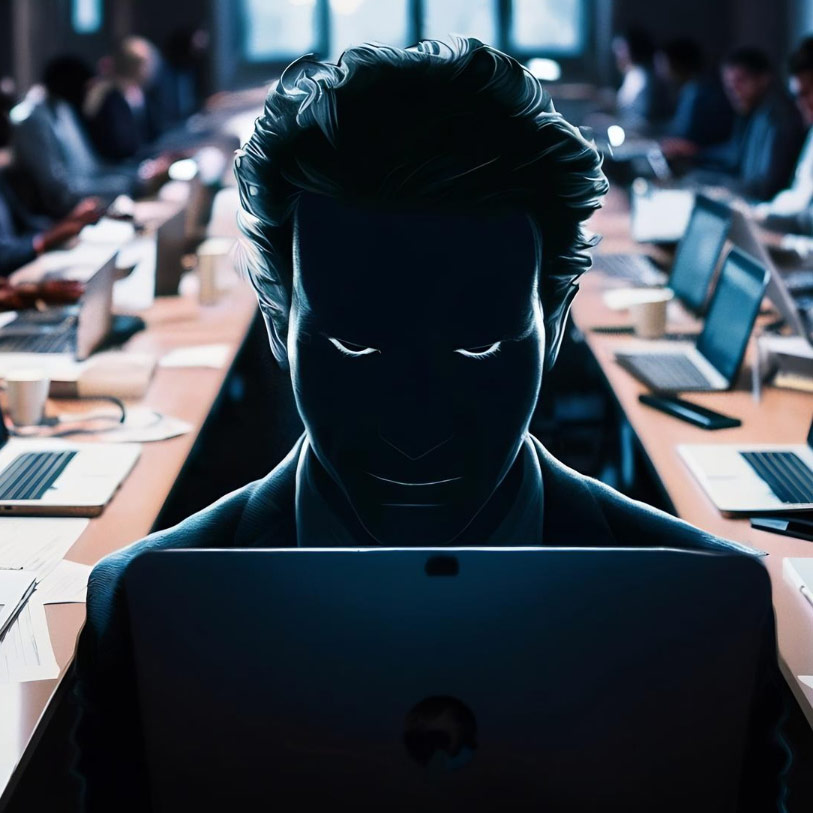
Our proactive IT support team relates to the challenges faced by other businesses and offers our own unique approach to help optimise your IT infrastructure and workflows. If you need helpdesk IT support, network management, cloud solutions, cybersecurity expertise, or strategic IT consulting, connect with us.
Learn more ->IT is at the heart of every business. Make sure it’s managed reliably and professionally.

Learn more ->
By gaining practical insight into IT infrastructure and security—from networks and cloud platforms to access control and threat detection—you can see not just how technology works, but how it is defended, where it fails, and why good security is as much about smart design as it is about strong controls.
Learn more ->
Our vision is to make the organisations we partner with the very best they can be.
Learn more ->
Request Quote
Good cyber hygiene is essential for staying safe online. Much like brushing your teeth, it involves simple, regular habits that protect your digital life from threats like hackers and viruses. Here are the key steps to follow in 2025:
Think of your passwords as the keys to your online home. Make them long, complex, and unique for every account. Use a mix of uppercase and lowercase letters, numbers, and symbols. A good technique is to use a memorable sentence, like "I<3EatingPizza0nFridays!", and then never reuse it.
Add an extra layer of security to your most important accounts (email, banking, social media) with 2FA. This requires a second form of verification—like a code sent to your phone or a fingerprint—in addition to your password, making it much harder for criminals to get in.
Regularly updating your software is like getting a flu shot for your devices. Updates fix security holes that hackers can exploit. To make it easy, turn on automatic updates so you don't have to remember to do it yourself.
Public Wi-Fi networks can be unsafe. Avoid doing sensitive tasks like online banking or shopping while connected to them. For added security, use a Virtual Private Network (VPN) to encrypt your data.
Phishing is a common trick where scammers try to get you to give away personal information. Be suspicious of urgent messages, don't click on strange links, and always double-check the sender's email address to ensure it's legitimate.
Backing up your data is your best defense against accidental deletion or ransomware attacks. A good strategy is the 3-2-1 Rule: keep 3 copies of your data, on 2 different storage types, with 1 copy in a separate location.
Check your privacy settings on all your online accounts every few months. Close any old accounts you no longer use and limit the amount of personal information you share online to improve your safety.
Online safety is a family affair. Talk to your family about smart digital habits and lead by example.
Strattons House, Melksham, Wiltshire, SN12 6JL
networks@soundnetworks.net08:30 AM - 17:00 PM


© 2026 Sound Networks - All rights reserved
Website developed by Sound Networks
Our mission is to provide technology guidance, expertise and support to enable our customers to grow their business.
Start HereBy Subscribing you are agreeing to receive our IT updates newsletter released each Month. You will not receive anything else.

Stratton's House, Melksham, Wiltshire, SN126JL
networks@soundnetworks.net
01225 701 650
IT Support quotes